
Run and grow your coworking space on one platform
Members, bookings and billing share a single tenant record — so the front desk stops re-keying, and month end stops being a reconciliation exercise.
- Live in 2–4 weeks
- Multi-site from day one
- No per-seat pricing
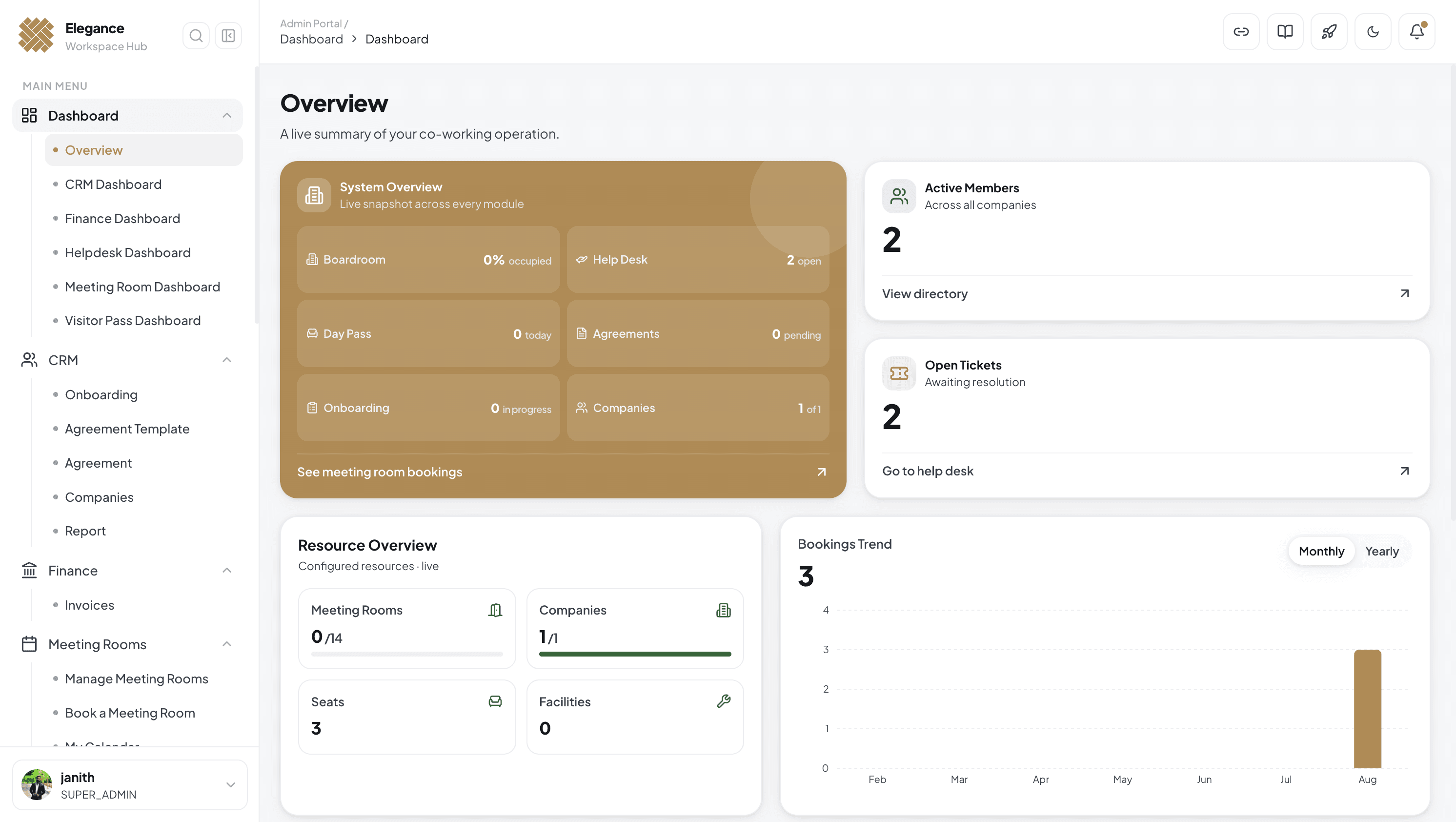
- Modules on one tenant record
- 9
- Typical time to go live
- 2–4wks
- Actions written to the audit log
- 100%
- Member self-service, no front desk
- 24/7
Automate operations
Handle the day-to-day automatically
The work that fills a front desk — charging, booking, onboarding — runs off the tenant record instead of a person's memory.
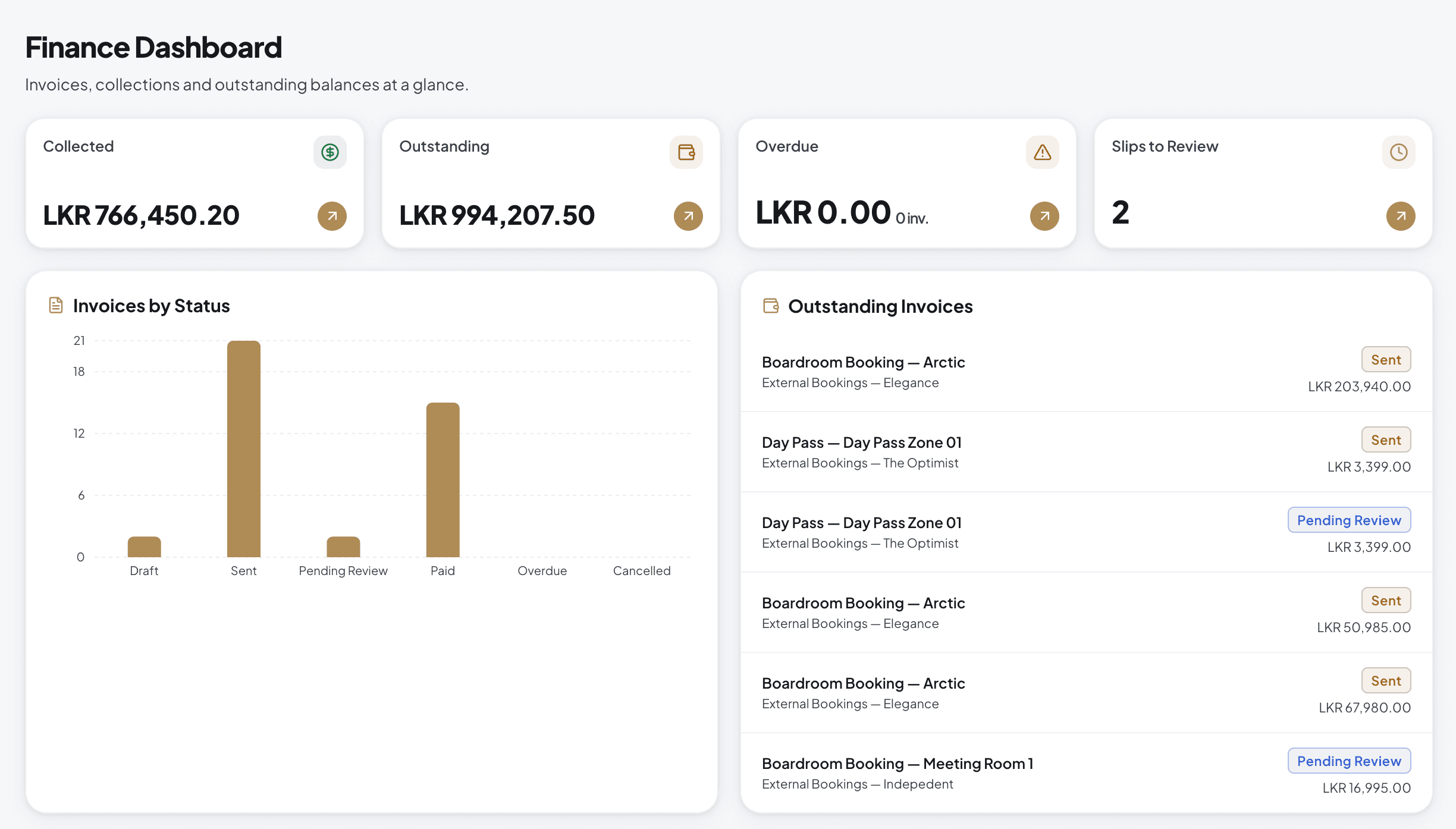
Automated billing — recurring plan charges, invoices and credit notes.
Self-serve bookings — members reserve rooms and desks; access follows automatically.
Onboarding workflows — invitations, agreements and activation as one sequence.
Built to scale
One system across every location
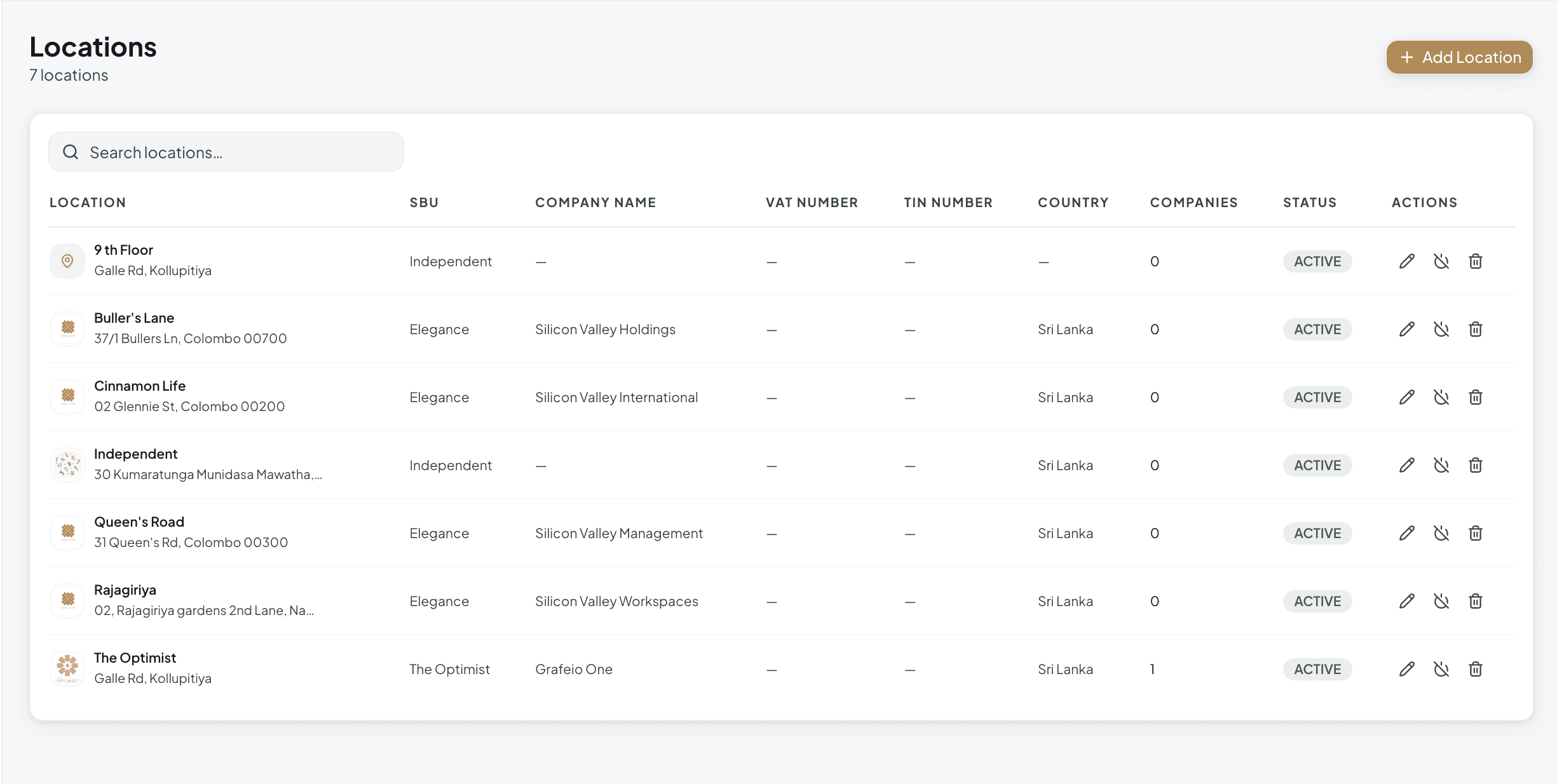
Add a site without adding a system. Each tenant keeps its own rules while your team works from a single login.
Centralized admin — bookings, members and finances from one login, role by role.
Per-tenant settings — pricing, taxes and access rules by location.
Cross-site reporting — compare occupancy and revenue across your network.
Modules
Everything else, already built in
Nine modules read from the same tenant record. Turn on what a location needs; the rest stays out of the way.
Boardroom Booking
Branded public booking links included.
Day Passes & Visitors
Passes issued and access cards tracked.
Helpdesk
Tickets with owners, status and history.
Documents
Templates and e-signatures on file.
Inventory
Item master and stock transfer between sites.
Billing & Invoicing
Recurring plans and one-off charges.
Why operators choose it
Three decisions that shape everything else
One tenant model
Members, rooms, billing and tickets all read from the same tenant record — so there is no reconciliation step and no second source of truth.
Members serve themselves
Booking, passes and tickets move off your front desk and into the portal and app, which is where most of the daily volume actually lives.
Answerable by design
Roles, permissions and an audit log sit behind every change, for every tenant — so you can answer a question about last month without guessing.
Trust & security
Built for operators who answer to their tenants
Isolation, roles and an audit trail are not add-ons here — they are how the tenant model is put together.
Data isolation
Every tenant's records stay within its own boundary.
Roles & permissions
Each team member sees only what their role needs.
Audit trail
Every change logged with actor and timestamp.
Companion app
Give members the app, keep the front desk free
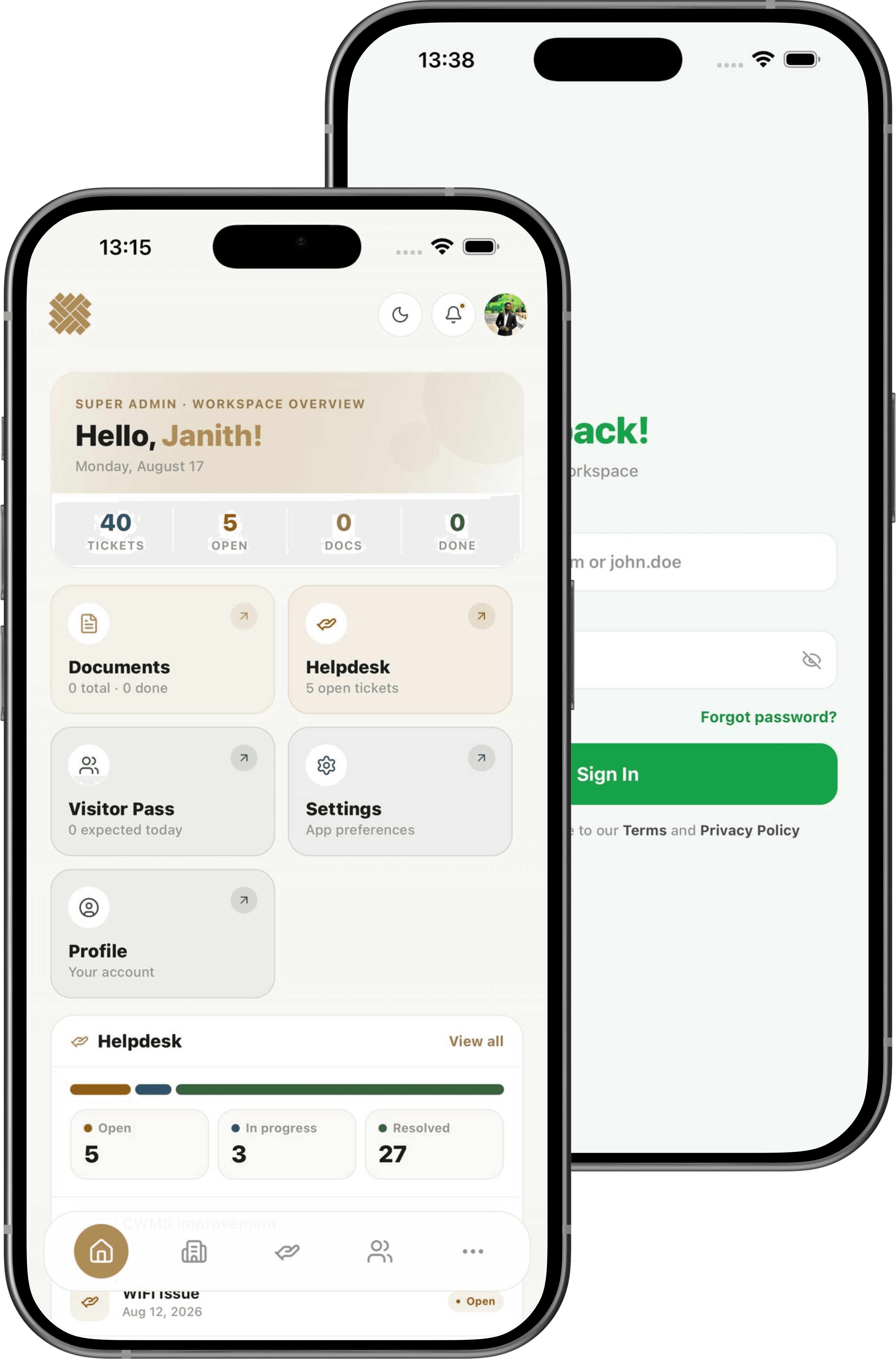
Members book rooms, request passes, raise tickets and check invoices from their phone — branded as your space, not ours.
- App Store
- Google Play
Can we run more than one location or brand?
Yes. Each location or brand is its own tenant with separate members, plans, rooms and invoices, while your team can hold roles across several of them from one login.
How long does implementation take?
Most operators are live in two to four weeks: tenant setup and data import in week one, resource and plan configuration next, then a pilot group of members before full rollout.
Can members book meeting rooms without an account?
Yes. Each boardroom can publish a branded public booking link, so prospects and visitors book and pay without being onboarded first.
Does it handle our access hardware?
Access cards and passes are issued and tracked in CWMS, and we integrate with common controller hardware. Tell us your setup on the demo call and we will confirm the specifics.
How does billing work with our accounting system?
Invoices are generated from plans, bookings and passes already recorded in CWMS, then exported or synced to your accounting system so nothing is re-keyed at month end.
What can members do in the mobile app?
Book rooms, request day and visitor passes, raise support tickets, view agreements and see invoices — the requests your front desk currently handles by message.
Book a demo
See it running on your own numbers
Thirty minutes, screen shared, with someone who has migrated operators before.
- A walkthrough of your actual workflow, not a generic deck
- Straight answers on migration and access hardware
- No obligation, and no sales sequence afterwards